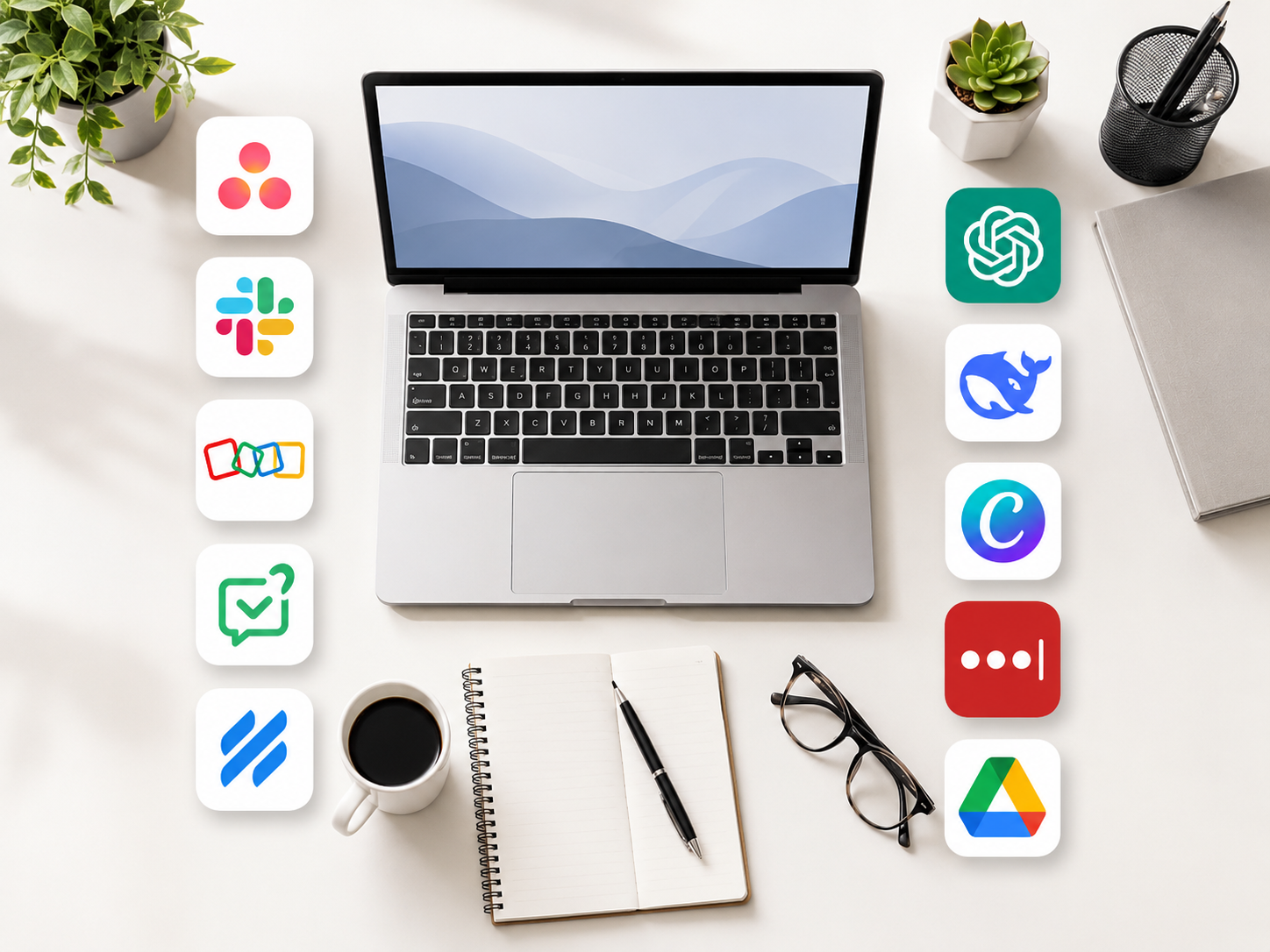
I recently got hired as an ecommerce Virtual Assistant, and honestly, I am still in that phase where everything feels new, exciting, and a little overwhelming all at the same time. These are the work apps for virtual assistants that I have leaned on most while getting settled in.
One of the first things I had to adjust to was the tech stack, which is really just a mix of work apps for virtual assistants that every VA eventually gets used to. Every workplace has its own set of tools, and as a VA, you are expected to learn quickly. Some apps are easy to understand right away, while others take a little more time before they feel natural.
So I thought I would share the work apps I actually use as a Virtual Assistant. Not just the usual tools you see in every list online, but the ones I really open, use, and rely on in my day to day work.
If you are just starting your VA journey, or if you are curious about what working as a VA looks like behind the scenes, I hope this gives you a simple and realistic idea.
Asana Is Where My Tasks Live
Before this role, I had heard of Asana, but I never really used it seriously. Now, it has become one of the first apps I check when I start working.
This is where tasks are assigned, deadlines are listed, and updates are posted. My client uses it to delegate work, and I use it to keep track of what I need to do, what I have already finished, and what still needs attention.
At first, I had to get used to the layout, but it was not too difficult. Once I understood how everything was organized, it became part of my routine. It is nice to start the day knowing where to look instead of guessing what needs to be done first.
Slack Helps Me Feel Connected
If Asana is where the tasks live, Slack is where the quick conversations happen.
Since I work remotely, Slack has become a big part of feeling connected to the team. It is where we do check ins, ask quick questions, share updates, and talk about things that do not really need a formal email.
I like that everything can be organized into different channels. It keeps conversations easier to follow, especially when there are different topics happening at the same time.
For someone like me who has worked from home for many years, communication tools like Slack really matter. Remote work can feel quiet sometimes, so having a space where you can easily reach your team makes a difference.
Zoho Helps Keep Customer Details Organized
Zoho is one of those tools that can feel a little intimidating at first because it has so many features. It is not just one simple app. It is a whole system, and what you use depends on your role.
For me, I mainly use it for CRM related tasks. This means tracking customer information, updating records, and keeping details organized.
It took me some time to get familiar with it, but once I started understanding where things were, it became easier. I think this is one of those tools that feels confusing only in the beginning. The more you use it, the more it makes sense.
If you want to work as an ecommerce VA, learning even the basics of CRM tools like Zoho can really help.
HelpDesk and HelpScout Are For Customer Support
HelpDesk and HelpScout are the tools we use for customer support.
In ecommerce, customer service is a big part of the work. There are messages about orders, shipping, returns, product details, and sometimes concerns that need to be handled carefully.
What I like about these tools is that they keep everything in one place. The whole support team can see incoming messages, reply to customers, and check if something has already been resolved.
It is much better than having customer concerns scattered everywhere. When things are organized, it is easier to respond properly and avoid missing anything important.
Social Media Scheduling Tools Save So Much Time
A part of my role also involves social media, so scheduling tools are very helpful.
Instead of posting manually every single day, we can plan content ahead of time and schedule posts in advance. This is such a big help, especially when there are many other tasks waiting.
I like seeing the content laid out in a calendar view. It gives a better picture of what is already planned, what still needs editing, and what is ready to go live.
If you are planning to become a VA and you want to handle social media tasks, I think it is good to become familiar with at least one scheduling tool. You do not need to know everything right away, but knowing how scheduling works is already a good start.
ChatGPT and DeepSeek Help Me Work Smarter
I would be lying if I said I do not use AI tools.
ChatGPT has become one of the tools I use when I need help drafting emails, brainstorming captions, summarizing long information, or organizing my thoughts before starting a task. Sometimes, I just need help turning a messy idea into something clearer.
I have also been exploring DeepSeek, and I find it useful for research and writing related tasks.
For me, using AI as a VA is not about being lazy. It is about working smarter. Of course, you still need to check everything, add your own judgment, and make sure the output sounds right. AI can help, but it should not replace how you think or how you communicate.
Canva Is Still One Of My Favorites
I have been using Canva for years, even before this job, so this one feels very familiar to me.
Canva is useful for creating social media graphics, resizing images, making simple presentations, and putting together visuals without needing to be a professional graphic designer.
The templates are helpful, especially when you need to create something quickly. I also like that brands can keep their colors, fonts, and designs consistent.
If you are a VA who handles content, social media, or marketing tasks, Canva is definitely one of those tools that is worth learning.
LastPass Helps Keep Passwords Organized
Working remotely means dealing with a lot of logins. Sometimes you need access to different tools, websites, and platforms, so having a password manager is important.
LastPass helps keep passwords secure and organized. Instead of writing passwords everywhere or constantly asking for login details again, everything can be stored properly in one place.
It may sound like a small thing, but it really helps. It saves time and also adds a layer of professionalism, especially when you are handling client accounts.
Google Workspace Is The Foundation Of Remote Work
Google Workspace is one of those work apps for virtual assistants that I think every VA should be comfortable with.
Gmail, Google Docs, Sheets, Drive, and Calendar are part of almost everything. I use them for writing, tracking information, sharing files, organizing documents, and keeping up with schedules.
It may seem basic, but knowing how to use Google Workspace well can make your work smoother. Sometimes, the simple tools are the ones you end up using the most.
Final Thoughts on Work Apps for Virtual Assistants
Being a Virtual Assistant means you are always learning, and getting comfortable with the work apps for virtual assistants that come with each new role is a big part of that. Every client has their own way of doing things, their own systems, and their own favorite tools. Sometimes it can feel overwhelming in the beginning, but most of these apps are learnable.
The important thing is to stay patient with yourself, the same quiet patience I have been practicing through my daily meditation habit.
I am still learning too. There are still tools I have not fully mastered, and I know there will be more platforms to discover as I continue this new journey. My new boss has been great so far, and that makes the learning process feel less scary and more exciting.
At the end of the day, the tools are not the hardest part. What matters more is showing up, being organized, communicating well, and actually caring about the work you do.
If you are also starting your VA journey, I hope this gave you a realistic peek into some of the apps you might encounter. You do not have to know everything right away. You just have to be willing to learn, adjust, and keep going, one work app at a time.